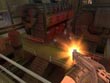
How 2 See your Ping and FPS
To see your Ping and FPS press the button next to the number 1, which is ~, then in the top left corner it should say Command> then type is FPS, then ENTER. Be warned that you can't move your person while the Command> is open. Press Esc to close it.